DCS File Manager
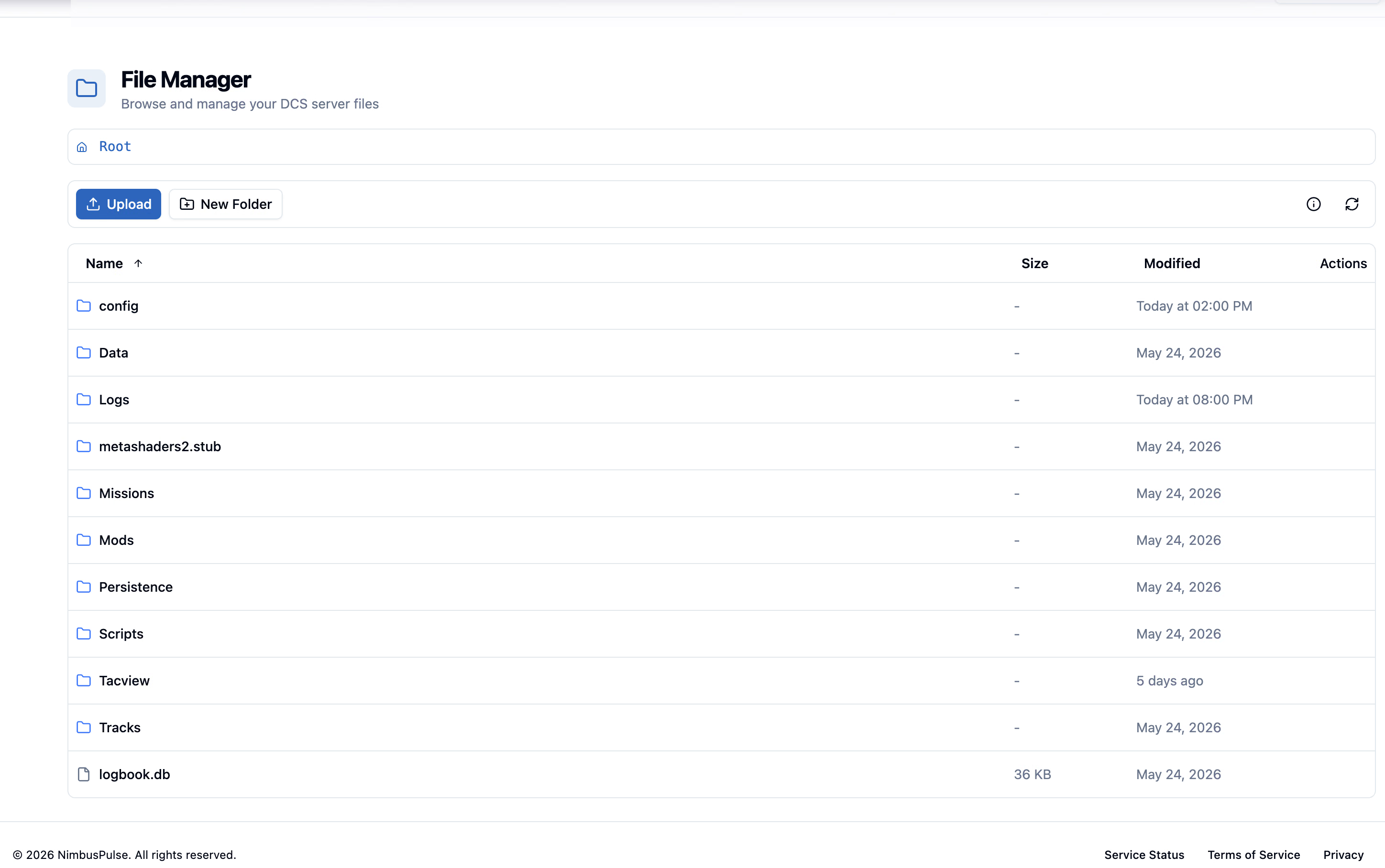
Upload missions, edit scripts, and organise your DCS Saved Games files from your browser or FTP. Every server includes 40 GB of user storage.
- Saved Games
- 40 GB
- Your Access
- Web + FTP
- DCS Install
- Managed
- API
- Available
Keep your mission files within reach.
Handle common DCS Saved Games file tasks without switching tools for every change.
40 GB Workspace
Upload missions, scripts, and other DCS Saved Games content from the Control Panel.
Edit Files
Open and adjust files in your DCS Saved Games workspace from the browser.
FTP Still Works
Manage the same Saved Games content through FTP when you prefer it.
API Surface
The file manager is also available through NimbusPulse API workflows.
Mission Handling
Upload and organize `.miz` files for the missions you run on your server.
Folder Uploads
Move files and directories into DCS Saved Games when your setup changes.
Inline Editing
Edit text files in Saved Games for common configuration and maintenance tasks.
Permission Aware
Shared access can separate read-only file access from write and delete access.
Files for every part of your setup.
Keep routine file handling accessible while preserving the deeper options advanced users expect.
Everyday Administration
Handle the file tasks that usually interrupt a DCS server session.
- Upload missions
- Create folders
- Rename and move files
Controlled Access
File permissions can be granted separately to shared server users.
- Read-only file access
- Write and delete access
- Console access tied to file read scope
Automation Ready
Use the API when your community has its own mission pipeline or admin tooling.
- Upload from custom tools
- Integrate with deployment flows
- Keep FTP as a fallback
From upload to running mission.
Move files, apply changes, and keep the server workflow in one interface.
-
Open File Manager
Use the Control Panel to browse your 40 GB DCS Saved Games workspace.
-
Upload or edit
Add missions and supporting files, or edit text files inside Saved Games.
-
Apply server changes
Use the rest of the Control Panel to restart, select missions, or continue setup.
-
Automate the repeat work
Move recurring file operations to API-based workflows when the process matures.
Good to know.
Need help with your setup? Talk to us about the missions and tools you want to run.
Ask us on DiscordYour missions, ready to fly.
Manage DCS Saved Games through the browser, FTP, or API. Supported mods in the managed DCS installation use separate, unmetered storage.